

Download
Vinix Work
Your business phone system on every device. Stay connected from anywhere with enterprise-grade calling, messaging, and collaboration.
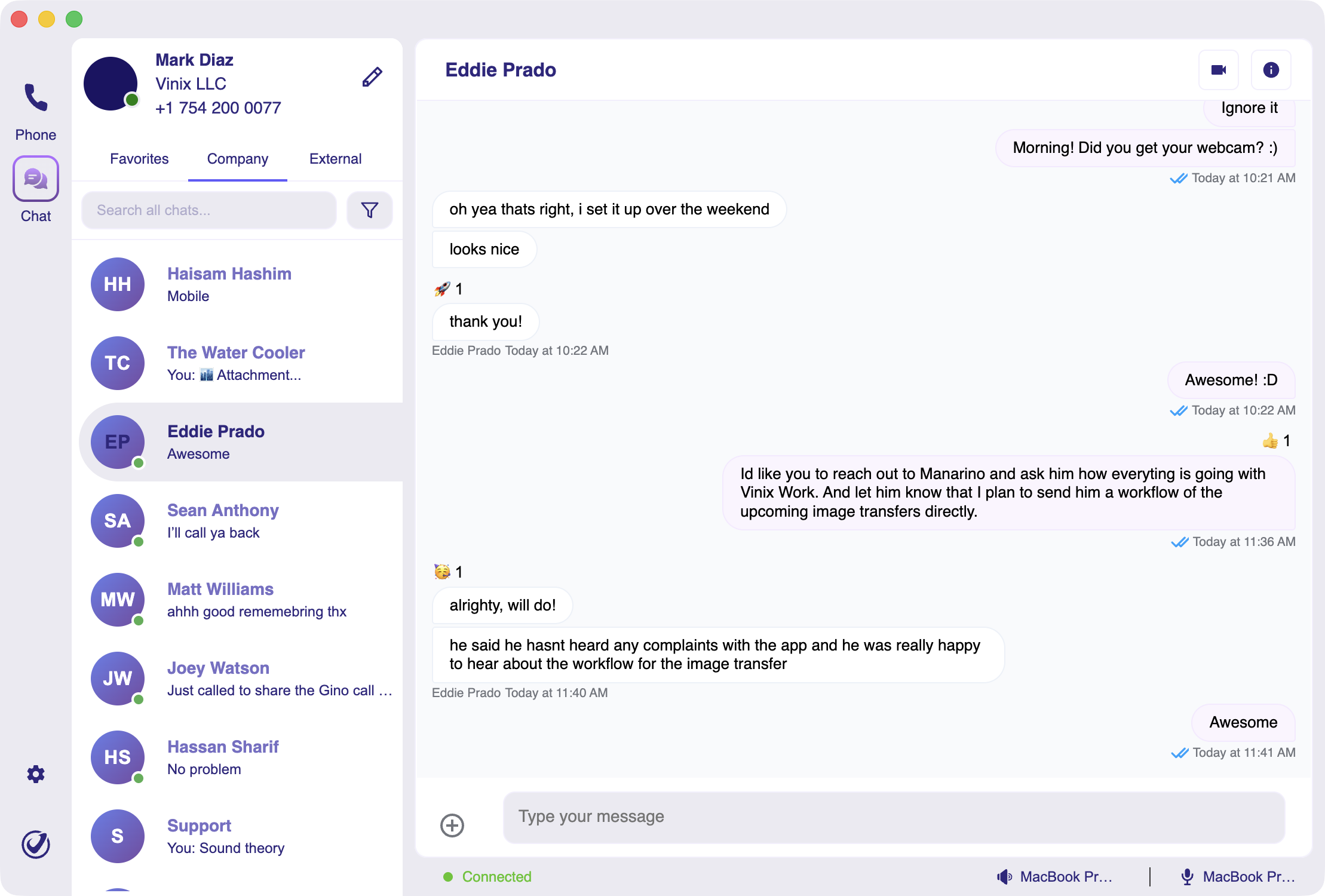
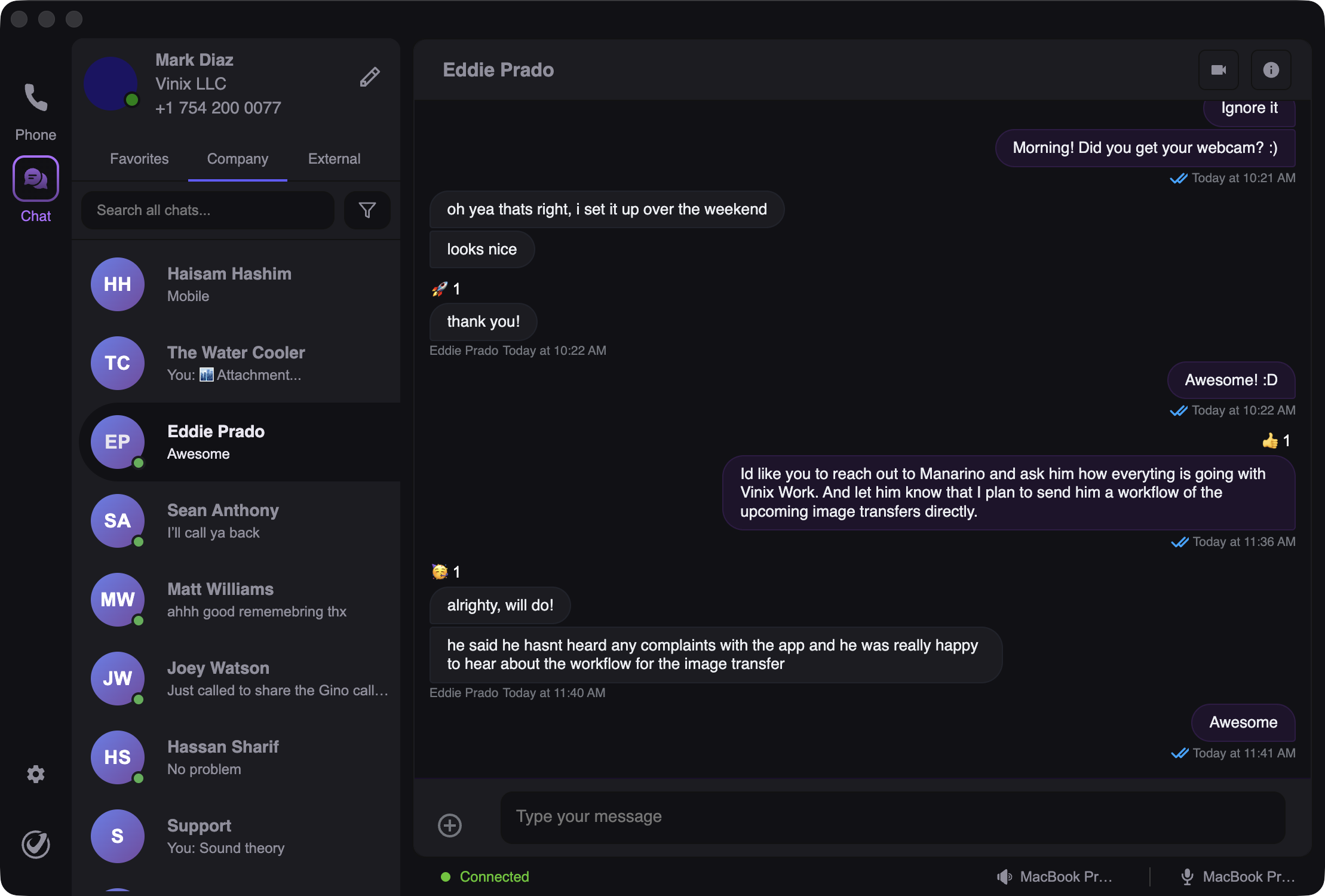
Desktop Apps for Mac, Windows & Linux
Full-featured desktop client with native OS integration. Better performance and reliability than web browsers.
Native Notifications
Get call and message alerts even when browser is closed
Superior Call Quality
Optimized audio codecs for crystal-clear HD voice
Keyboard Shortcuts
Power-user features: answer, mute, hold with hotkeys
System Integration
Works with OS notification center, system tray, and contacts
Screen Sharing
Share your screen during calls for presentations and support
Offline Access
View contacts, call history, and voicemails without internet
Download for Your OS:
Windows 10+ (64-bit)

Perfect For Every Work Style
Remote Teams
Work from anywhere with full office phone system functionality.
- Same experience as desk phone
- Professional caller ID
- Transfer calls seamlessly
- Access company directory
"Our team went 100% remote. Everyone uses the desktop app from home. Clients have no idea we're not in an office."
— Operations Director, 45-person agency
Field Sales & Mobile Workers
Make business calls from your personal phone without giving out your number.
- Business number on personal device
- CarPlay for hands-free calls
- Voicemail transcription
- Return calls with work caller ID
"I'm on the road 4 days a week. Mobile app keeps me connected without carrying two phones."
— Sales Executive, manufacturing company
Multi-Location Organizations
Same phone system across all locations. Hot-desking with 6-digit codes works everywhere.
- Consistent experience all locations
- Transfer calls between offices
- Central directory across sites
- Hot-desk at any location
"We have 8 office locations. Desktop app means employees can work from any office and have their full setup instantly."
— IT Director, multi-site healthcare org
Hybrid Work Schedules
Your phone system follows you. Desktop at home, desk phone in office, mobile while traveling.
- Seamless device switching
- Same extension everywhere
- Synchronized voicemail
- Unified call history
"Tuesday/Thursday in office, rest from home. Same number, same experience everywhere."
— Marketing Manager, tech startup